




Everything You Need
to Protect Your Site
BackWPup handles everything from backups and secure storage to fast restores and
effortless migration. Explore how our key features keep your site safe and running
smoothly.

Backup

Store

Restore & Migrate
Easily Back Up Your WordPress Site
BackWPup makes it easy to keep your WordPress site safe. Whether backing up the whole site or just parts, you’re in control. With automatic, secure backups, your site stays protected from data loss.
What
Files and/or database you can backup

Complete WordPress files

Your custom selection
WordPress Core, Plugins,
Themes, Uploads, Tables, etc.

Complete WordPress database

Non WordPress files and folders
When
How often you want to back up

Manual backups

Automatic scheduled backups
Hourly, Daily, Weekly, Monthly

Archive encryption
Your backups are protected with AES-256 archive encryption, ensuring your data stays secure from unauthorized access.

Multisite support
BackWPup fully supports WordPress multisite networks, allowing you to back up and restore multiple sites with ease.

Performance-Aware Backups
Maintain site speed and reliability, even during peak traffic, by controlling how much load backups place on your server.

WP-CLI Support
Run backups, manage configurations, and view logs all via WP-CLI, giving you deeper control and the flexibility to automate your backup workflows.
Secure Your Backups in the Cloud
To protect your site from data loss, BackWPup offers many cloud storage options. Easily save your WordPress backups to Google Drive, Dropbox, Amazon S3, OneDrive, FTP/SFTP, and other S3-compatible services.
Where
Store your backup on your machine or on your favorite cloud storage platforms.

Google Drive

OneDrive

Amazon S3

SFTP

Rackspace Cloud

Dropbox

HiDrive

Microsoft Azure

SugarSync

Amazon Glacier
Get Your Site Back Online in No Time
Restore your site quickly with our 1-click feature. Even if you’re locked out of the dashboard, the standalone restore app lets you recover from any backup, giving you peace of mind in any situation.
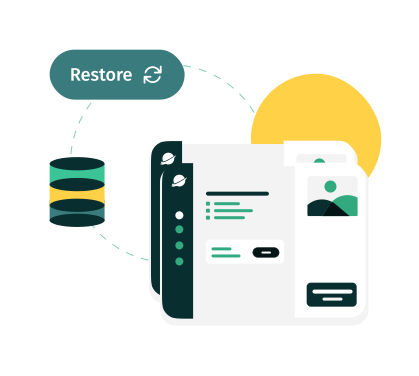
One-Click Restore
BackWPup’s 1-click restore lets you quickly recover your site with minimal effort. Just select your backup, click restore, and your site is back online in seconds.
Access-Free Recovery
Locked out of your dashboard? No problem. The standalone restore app lets you restore your site from any backup, even when you can’t access WordPress. Perfect for emergencies.


Easy Migration
BackWPup makes migrating your WordPress site simple. Whether you’re switching hosts or moving to a new server, easily export your files and database, then restore everything with just a few clicks—quick and hassle-free.
Our Team is Here for You
Expert help at your fingertips
We’re a Dedicated Team, Ready to Help Anytime
Got questions or need assistance? With BackWPup Pro, you’ll enjoy Premium Support whenever you need it.
We understand how crucial your website’s protection is, and we’re here to ensure your WordPress site stays safe and secure.
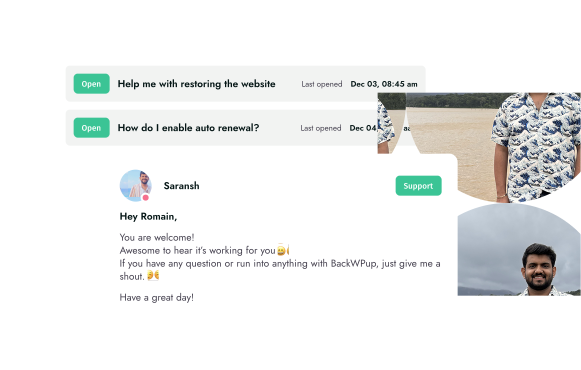
Meet Saransh
When Saransh isn’t exploring new trails, he is by your side helping you keep your website and data safe with reliable backups.
Popular Questions
Do you have questions about BackWPup? See the list below for our most frequently asked questions.
If your question is not listed here, then please contact us.
Yes, BackWPup backs up the complete WordPress site. This includes – database, files, posts, pages, plugins, themes, comments & more.
No. You can use all the features of BackWPup without any coding knowledge.
Yes, our Standalone Restore App can restore your site without requiring access the WordPress backend. You will, however, require server access and the back up files that you’d like to restore.
Use BackWPup to protect your WordPress site from crashes, data loss, and the dreaded “white screen of death.” It creates backups to restore your site quickly.

Keep Your WordPress Site Safe
Give your website data the protection it deserves with BackWPup Pro.
