

If you don’t mind having only 2GB of storage space, all you need to backup to Dropbox with BackWPup is a free Dropbox account.
If you already have a Dropbox account, you can, of course, use it for backups. If you want to create a new one, do the following steps:
-
- Besuchen Sie dropbox.com und registrieren Sie sich mit Ihrem vollständigen Namen, Ihrer E-Mail-Adresse und Ihrem Passwort.
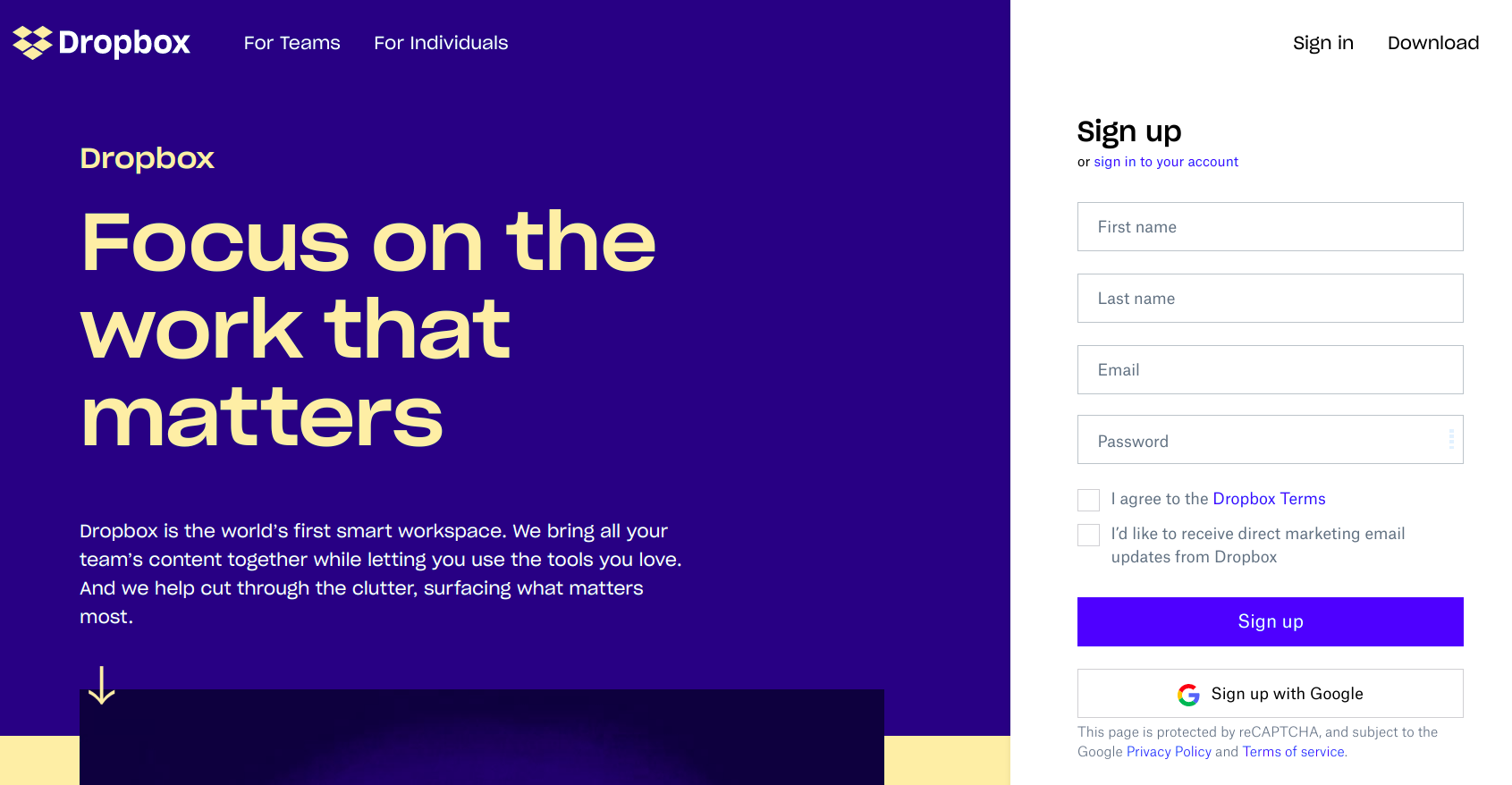
Visit dropbox.com and register - Check the I agree to Dropbox terms box and then Click on the Sign up button.
- Sie erhalten eine E-Mail zur Bestätigung Ihrer Anmeldung. Befolgen Sie die Anweisungen, um die Anmeldung abzuschließen.
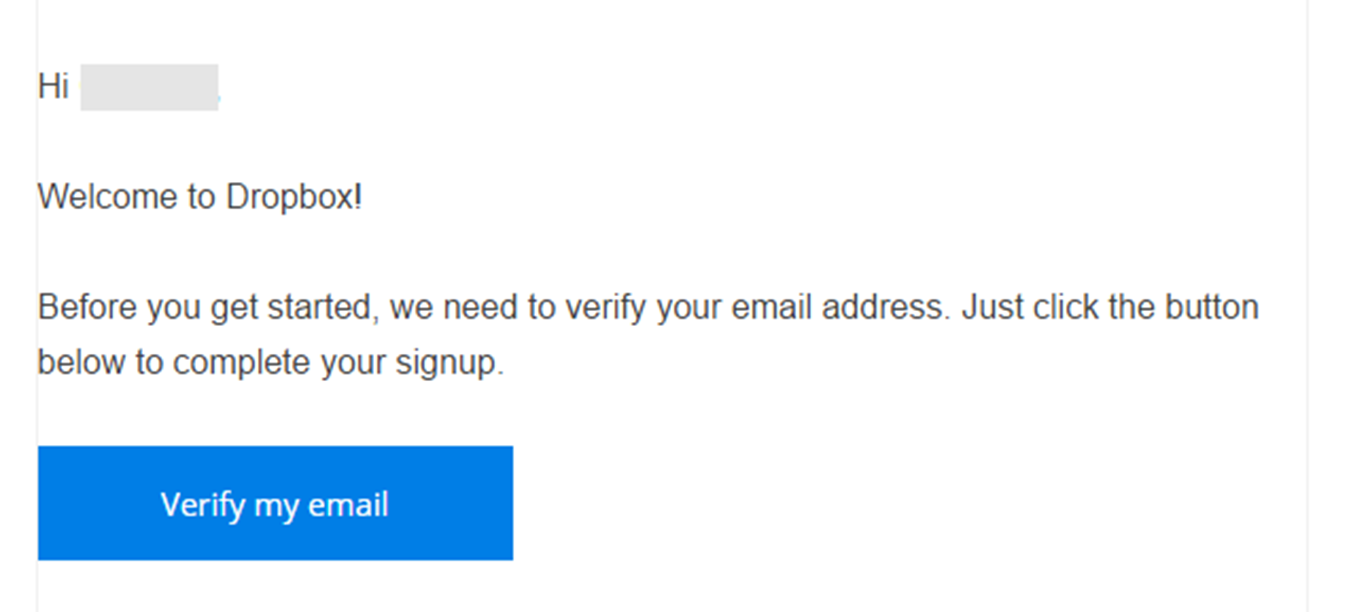
Sie erhalten eine E-Mail zur Bestätigung Ihrer Anmeldung. - After that, you can access your Dropbox Dashboard, where you can store, manage, and share your files with other people.
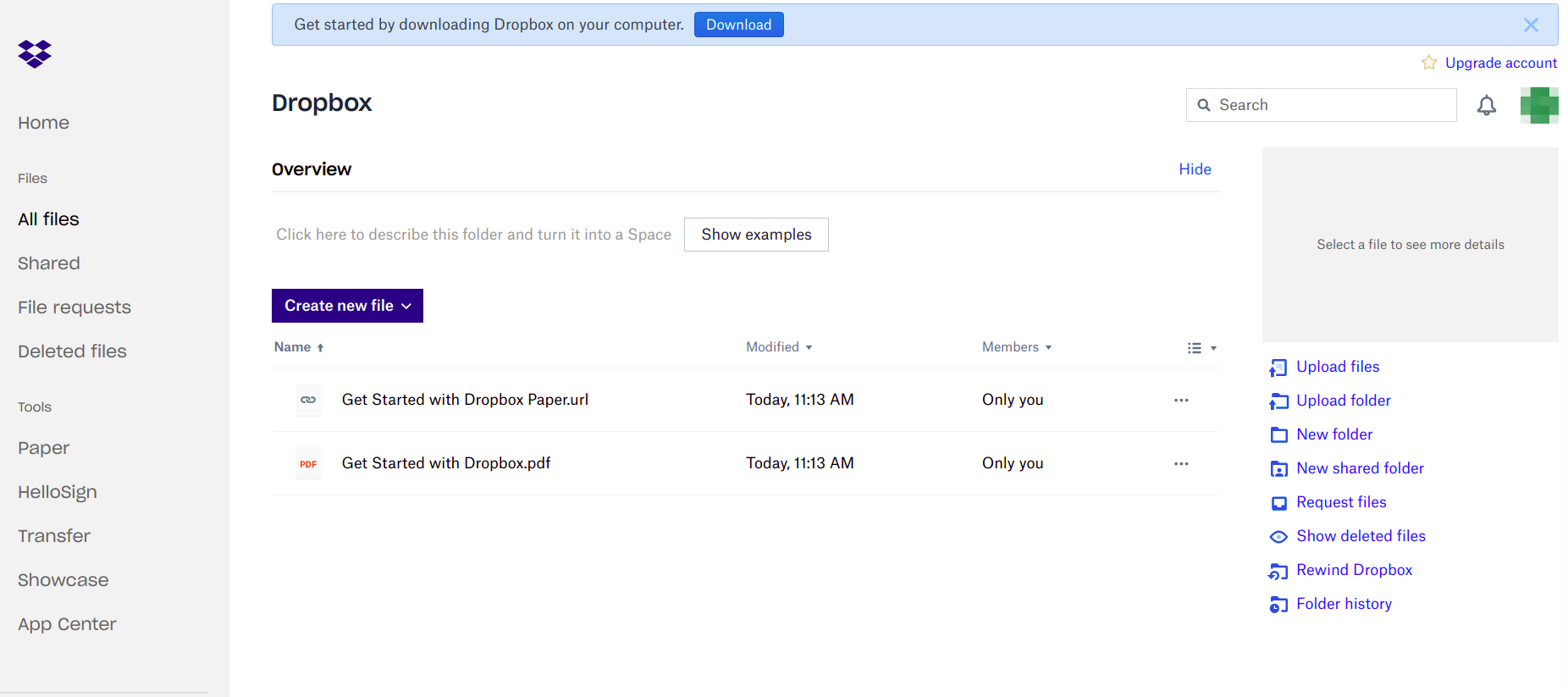
Access Dropbox Dashboard. - You’ll get a link to the paid version for a trial period or the free basic plan in the browser. Choose a version.
- Then, download the Dropbox application and install it on your computer by selecting the version that best suits your operating system.

- Besuchen Sie dropbox.com und registrieren Sie sich mit Ihrem vollständigen Namen, Ihrer E-Mail-Adresse und Ihrem Passwort.

