

Google Drive is the cloud storage service by Google. BackWPup Pro offers you the possibility to store your WordPress Backups to Google Drive.
All you need is a free Google account and our BackWPup Pro plugin. In this post, we talk about how to register and use Google Drive for backups.
Register for a Google account to use Google Drive for backups
To use Google Drive for backups, you need a free Google account. This account will give you access to various Google services, including Google Drive, with 15GB of free storage.
If you don’t have a Google account yet, follow these steps:
- Go to https://accounts.google.com/signup?hl=en and fill in the registration form.
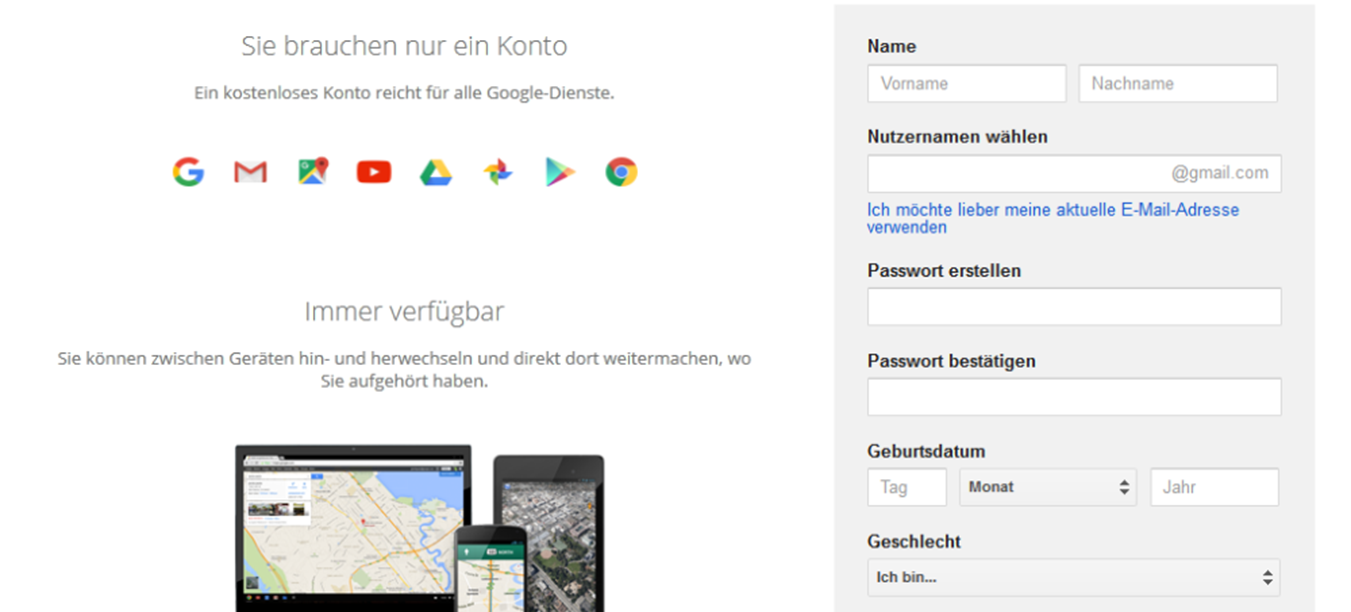
Fill in the Google registration form - Click on the Next step button and agree to the privacy policy and the terms of service. You may have to verify your email address afterward.
- Once you have created a Google account, you can find Google Drive by visiting google.com and clicking the Google Apps icon at the top right of the page. A menu with various services will open. We have highlighted the Google Drive icon in the screenshot below.
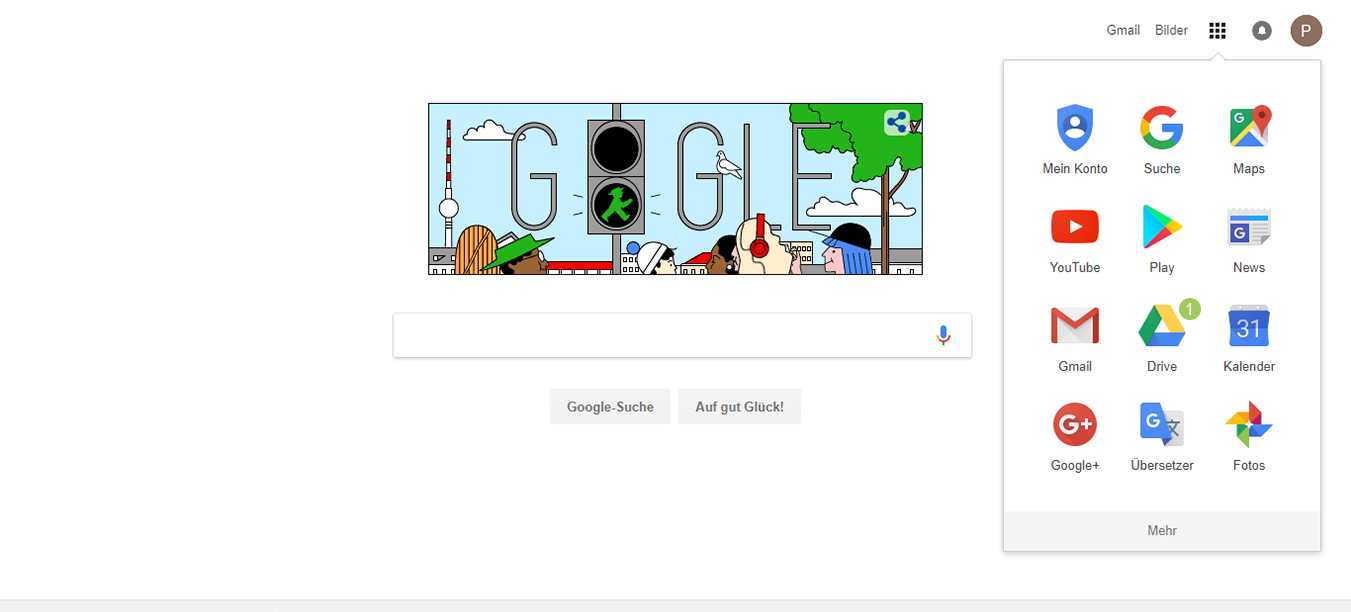
Click on the Google Apps menu item. 4. After registering for a free Google account, you can start using BackWPup Pro to save your backups to Google Drive. Follow our tutorial:how to backup WordPress to Google Drive.

