

Whether you need help setting up BackWPup, have a pre-sales question, want to report a bug, or have a feature request, we are always happy to assist you and improve our plugin!
Depending on whether you are using BackWPup Pro or BackWPup Free, here is how you can get support:
BackWPup Premium Support
If you have purchased a BackWPup Pro license, our dedicated support team is ready to assist you directly with any technical issues or inquiries.
You can contact Pro support in two ways:
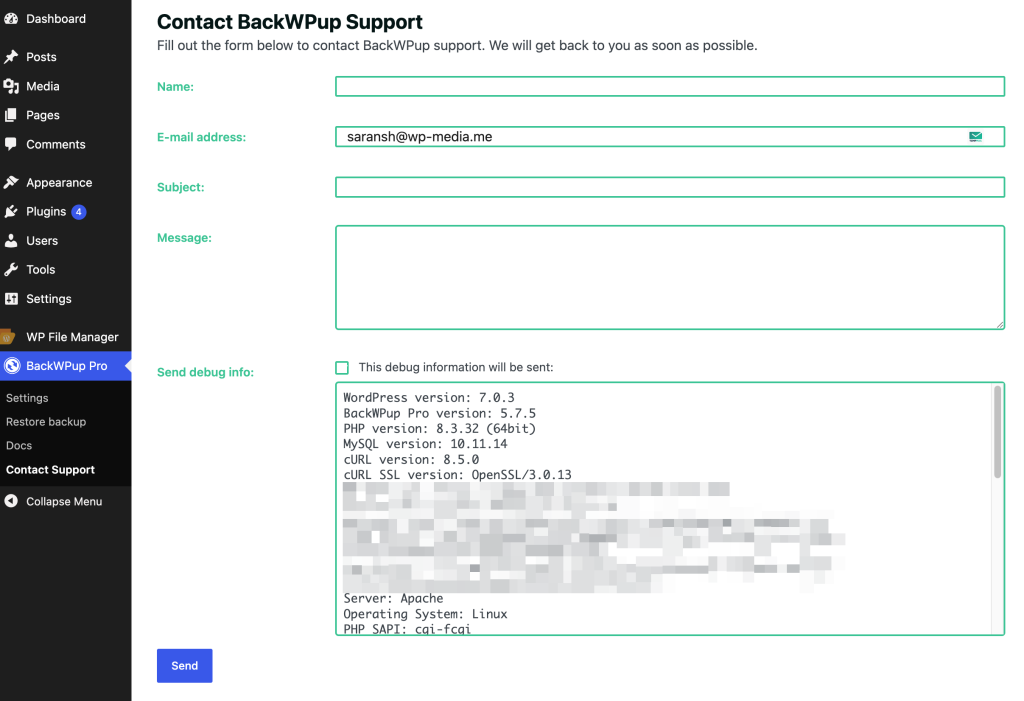
1. Directly From Your WordPress Dashboard
BackWPup Pro users can submit a support ticket without leaving their site.
Simply go to BackWPup Pro > Contact Support in your WordPress admin menu. Fill in the form details and check the box to automatically attach your system debug info, which helps our team resolve your issue faster.
2. Via the BackWPup Account Portal
You can also open a support ticket by logging into your account at backwpup.com/my-account/support/.
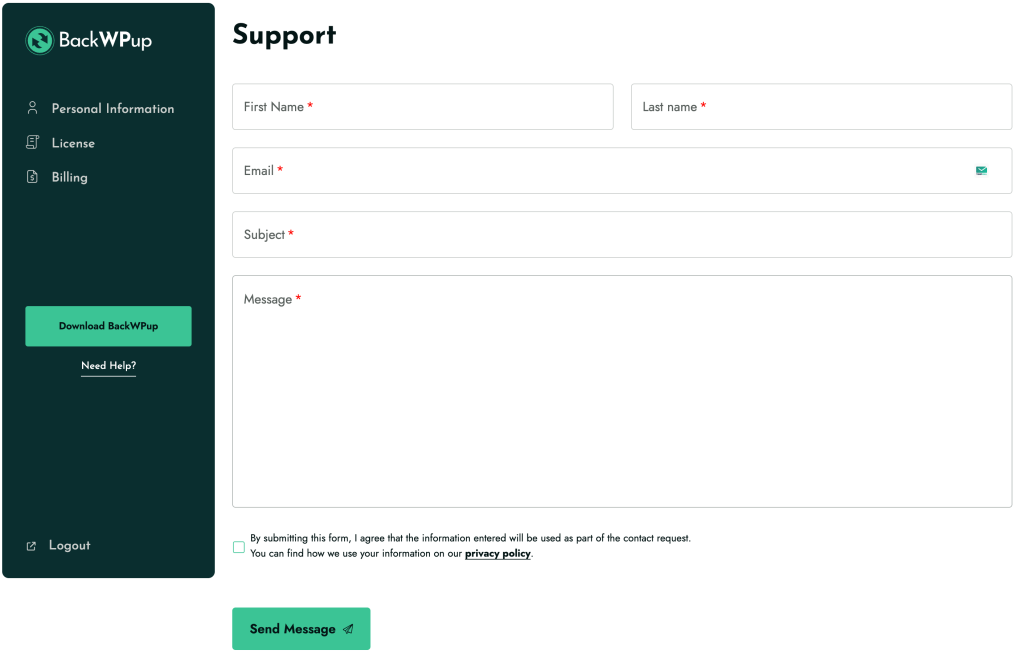
Note: If you don’t have an active license yet, please purchase BackWPup Pro to access Premium Support. For pre-sales questions, feel free to use our contact form.
Instant AI Assistant (BWU Genie)
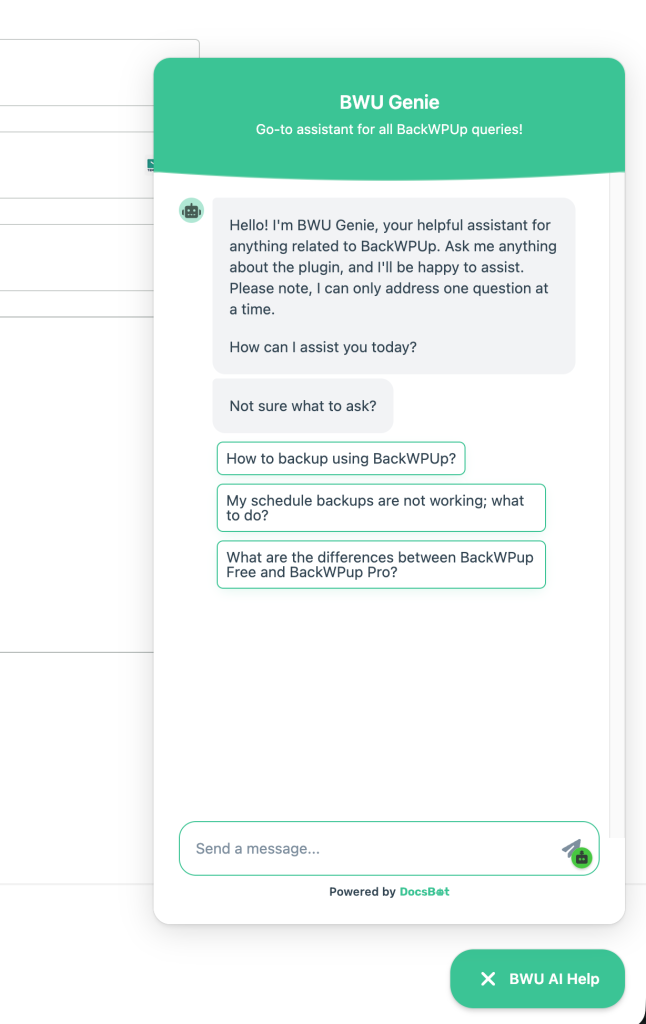
For quick answers, troubleshooting steps, or guide recommendations, you can interact with our AI assistant, BWU Genie.
BWU Genie is available 24/7 on our website. Just click the BWU AI Help widget located at the bottom-right corner of backwpup.com to start asking your questions!
Support for the Free Version (WordPress.org)
If you are using the Free Version of BackWPup, please post your questions and support requests in the official BackWPup Forum on WordPress.org. Our support team actively monitors and responds to forum threads on Tuesdays and Thursdays.