

Si 2 Go d'espace de stockage vous suffisent, il vous suffit d'un compte free surDropbox pour effectuer une sauvegarde sur Dropbox via BackWPup .
Si vous disposez déjà d'un compte Dropbox , vous pouvez bien sûr l'utiliser pour vos sauvegardes. Si vous souhaitez en créer un nouveau, procédez comme suit :
-
- Visitez dropbox.com et inscrivez-vous en indiquant votre nom complet, votre adresse e-mail et votre mot de passe.
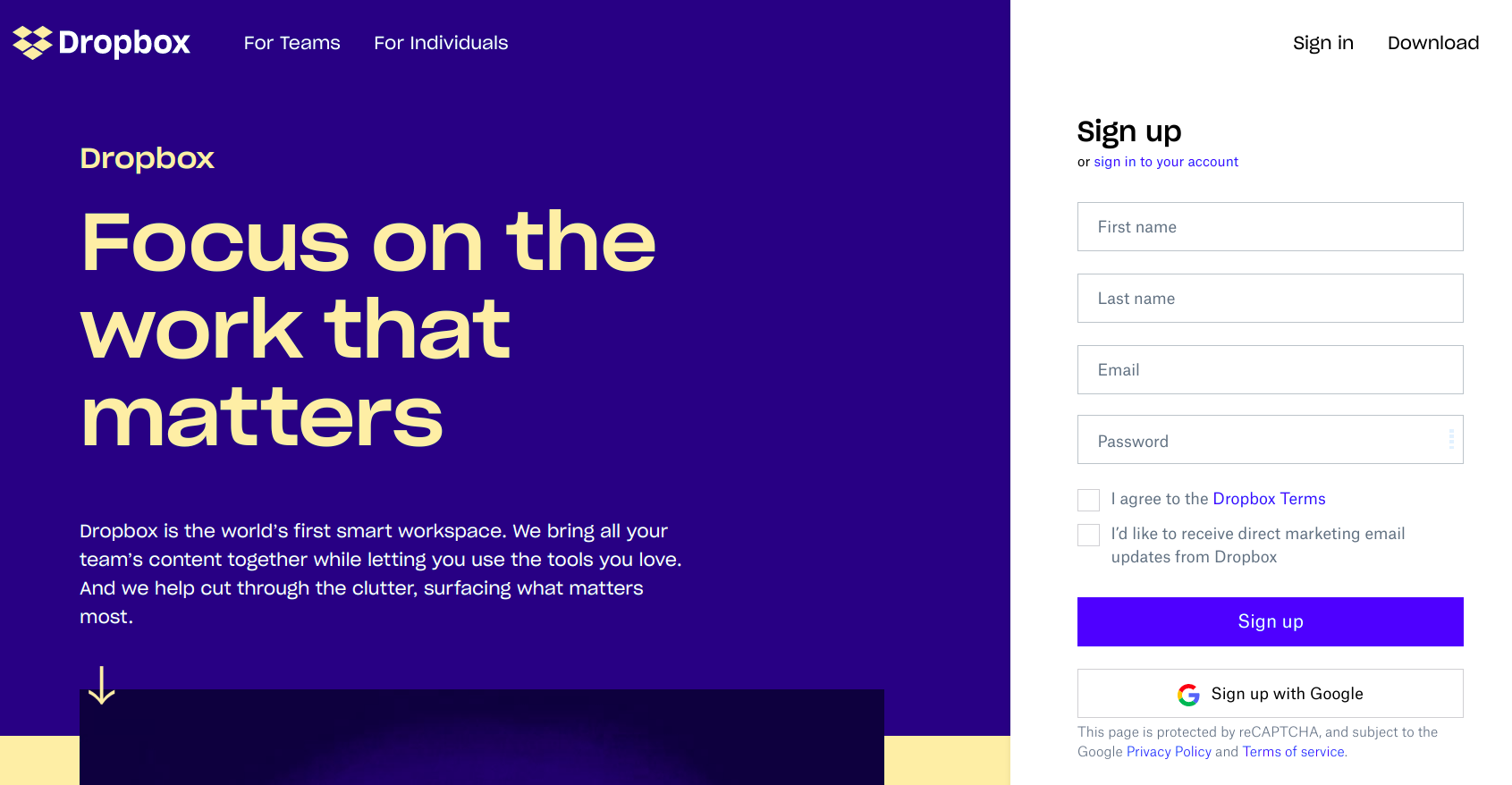
Rendez-vous sur dropbox.com et inscrivez-vous - Consultez les case « J'accepte les conditions d'Dropbox » puis cliquez sur le bouton « S'inscrire » ».
- Vous recevrez un e-mail de confirmation d'inscription. Suivez les instructions pour finaliser votre inscription.
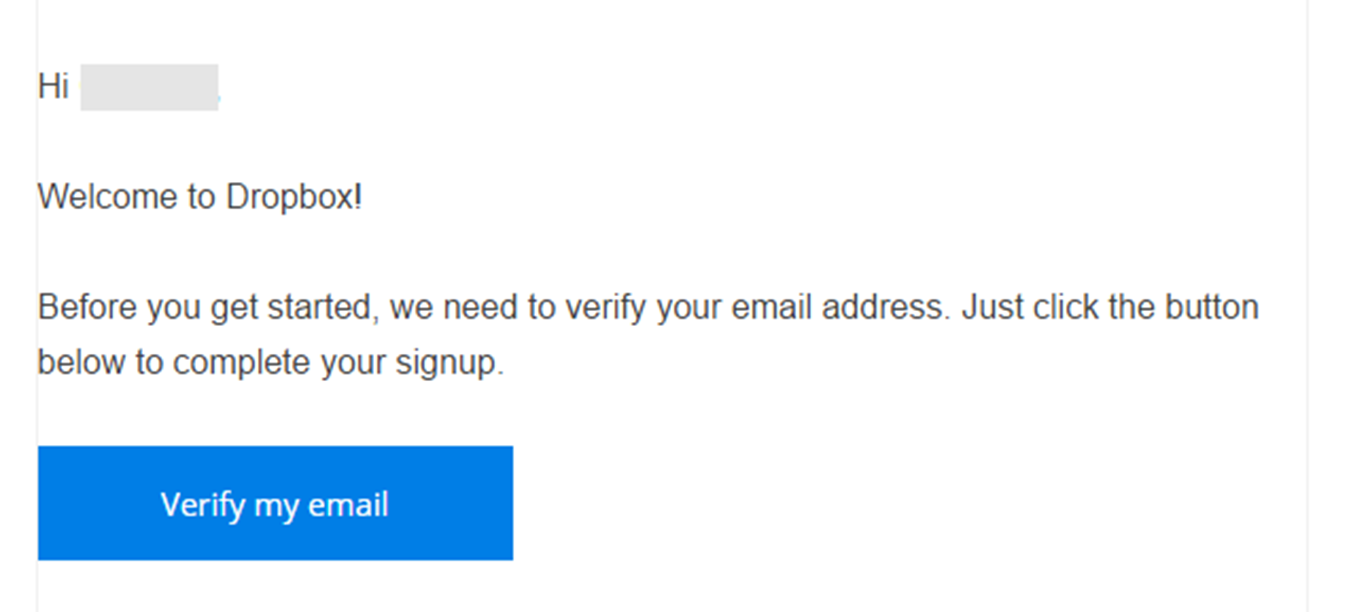
Vous recevrez un e-mail confirmant votre inscription. - Vous pourrez ensuite accéder à votre tableau de bord Dropbox , où vous pourrez stocker, gérer et partager vos fichiers avec d'autres personnes..
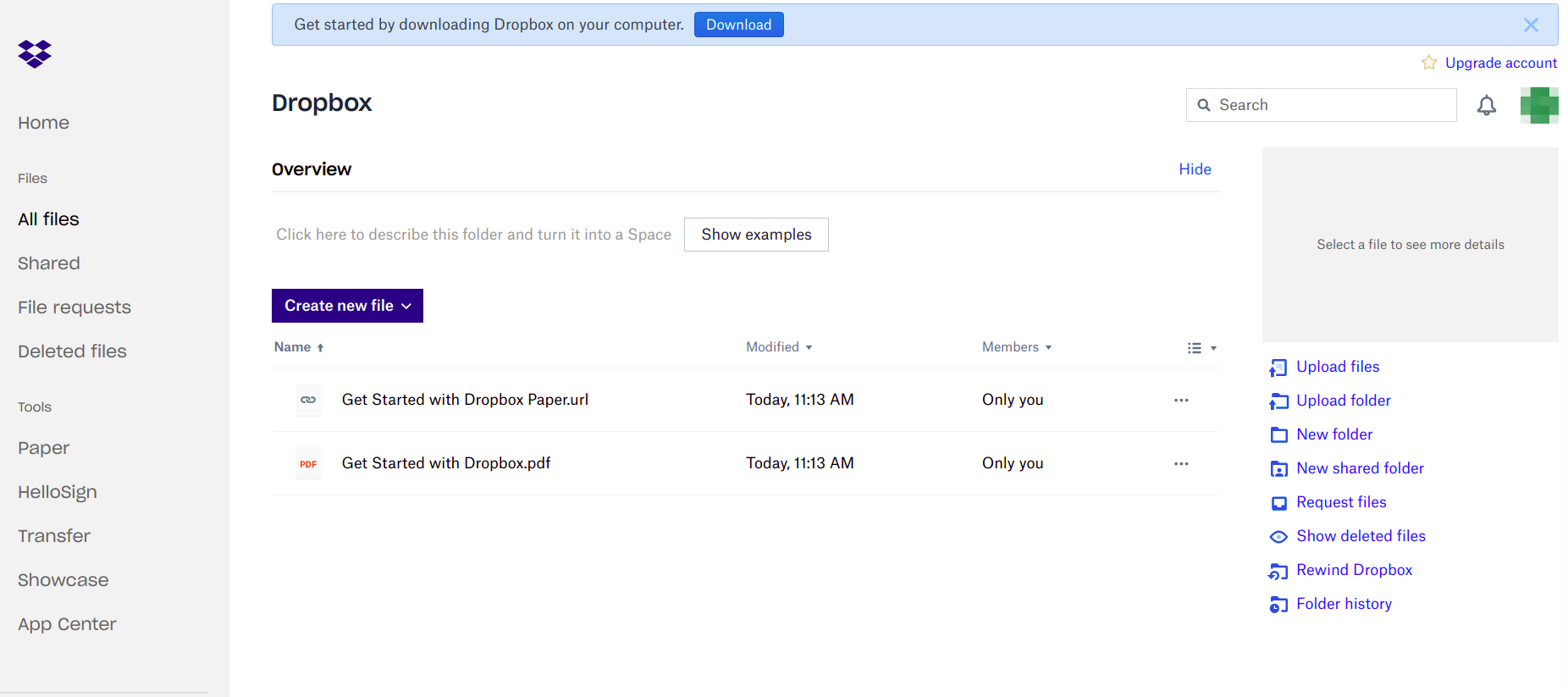
Accédez au tableau de bord d'Dropbox . - Vous recevrez un lien vers la version payante pour une période d'essai ou vers la formule de base « free » dans le navigateur. Choisissez une version.
- Ensuite, téléchargez l'application « Dropbox » et installez-la sur votre ordinateur en choisissant la version la mieux adaptée à votre système d'exploitation.

- Visitez dropbox.com et inscrivez-vous en indiquant votre nom complet, votre adresse e-mail et votre mot de passe.

