

Se non ti dispiace avere a disposizione solo 2 GB di spazio di archiviazione, tutto ciò che ti serve per eseguire il backup su Dropbox tramite BackWPup è un account free Dropbox .
Se disponi già di un account Dropbox , puoi ovviamente utilizzarlo per i backup. Se desideri crearne uno nuovo, segui questi passaggi:
-
- Visita dropbox.com e registrati indicando il tuo nome completo, l'indirizzo e-mail e la password.
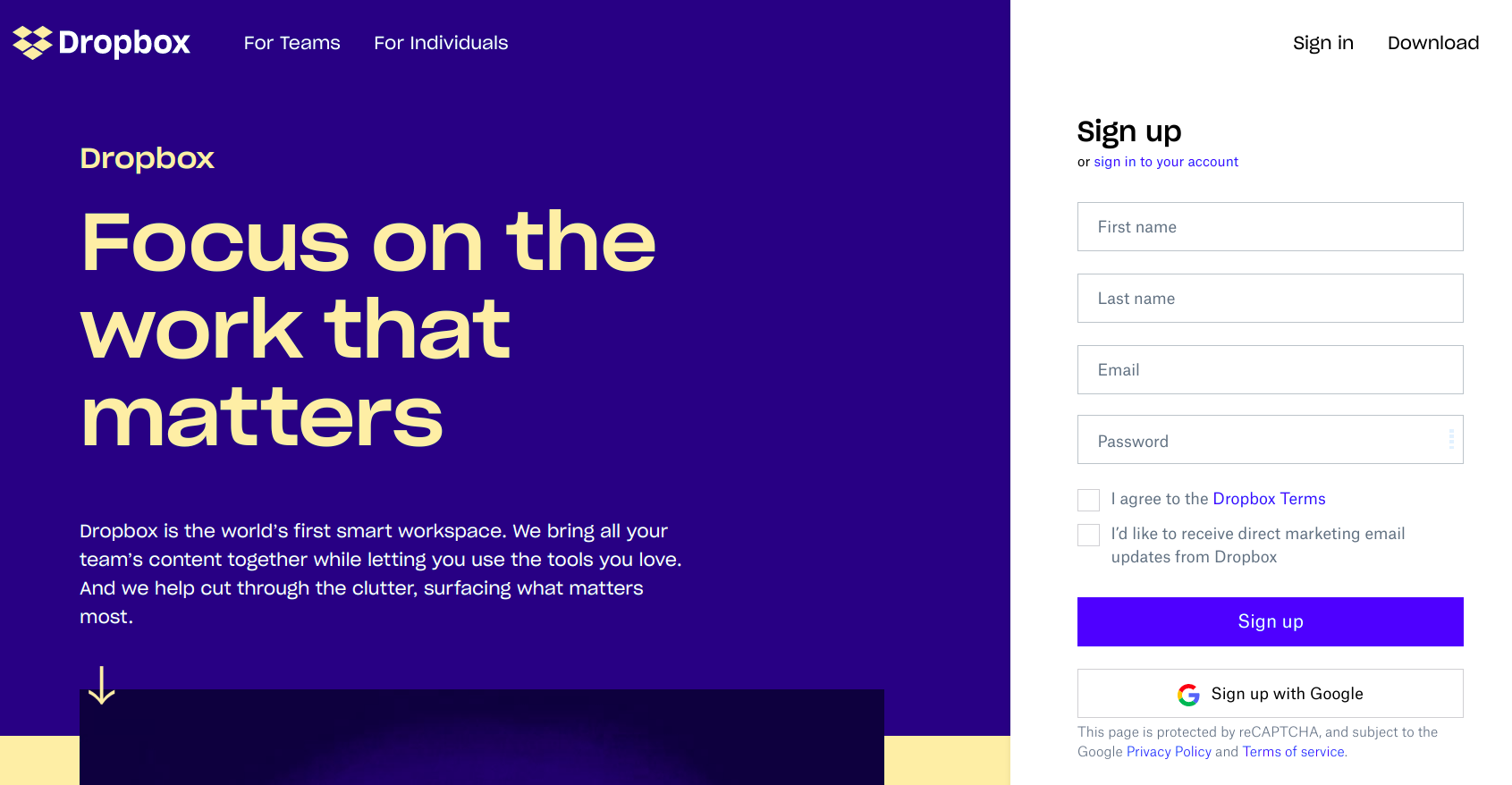
Visita il sito dropbox.com e registrati - Controlla il casella "Accetto i termini di Dropbox " e poi clicca sul pulsante "Iscriviti" "Iscriviti".
- Riceverai un'e-mail di conferma dell'iscrizione. Segui le istruzioni per completarla.
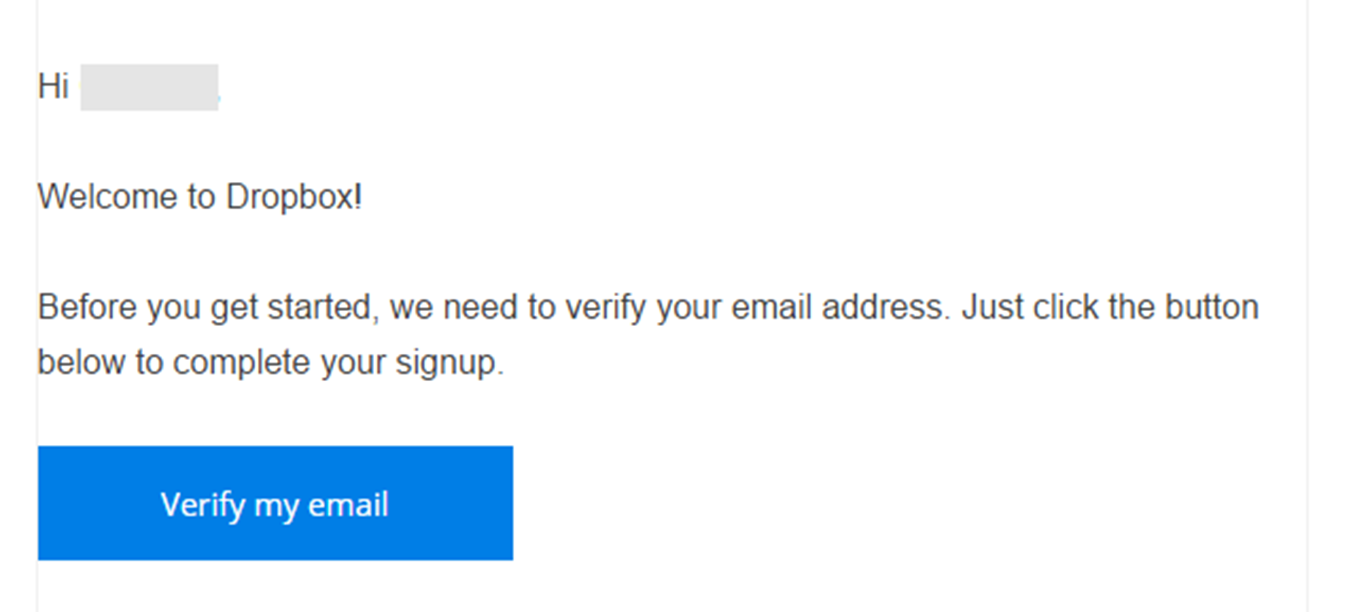
Riceverai un'e-mail di conferma dell'iscrizione. - Dopodiché potrai accedere alla tua dashboard di Dropbox , dove potrai archiviare, gestire e condividere i tuoi file con altre persone.
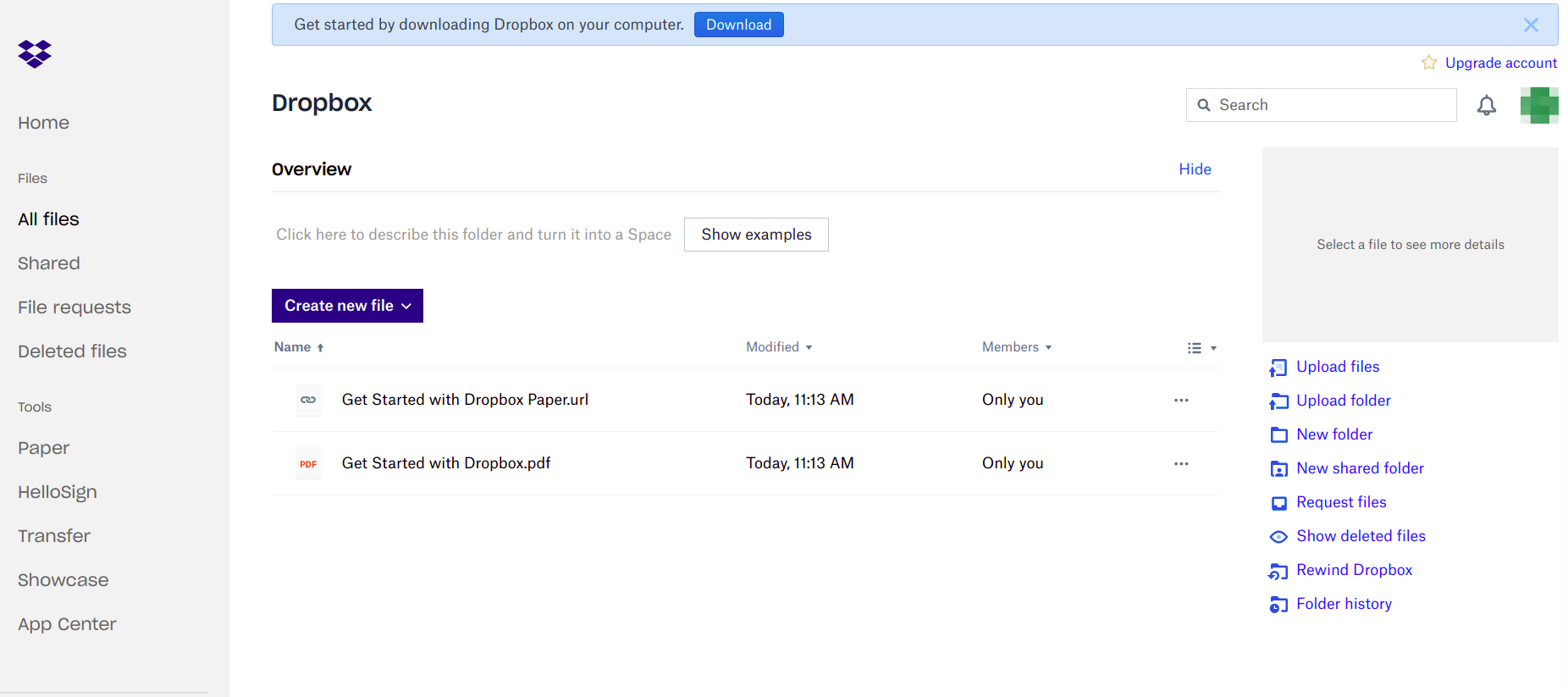
Accedi alla dashboard di " Dropbox ". - Riceverai un link alla versione a pagamento per un periodo di prova oppure al piano base “ free ” direttamente nel browser. Scegli una versione.
- A questo punto, scarica l'applicazione " Dropbox " e installala sul tuo computer, selezionando la versione più adatta al tuo sistema operativo.

- Visita dropbox.com e registrati indicando il tuo nome completo, l'indirizzo e-mail e la password.

