Indice
Ci sono sempre ottimi motivi per eseguire un backup di un sito web WordPress . Se non altro per evitare la perdita di dati o per poter ripristinare immediatamente tutti i dati in caso di attacco hacker. In questo articolo vi spiegheremo perché è meglio iniziare subito a fare il backup!
La perdita di dati può capitare a chiunque
Anche se si pensa che tutto ciò che è stato elaborato sia ben archiviato sul sito web WordPress , può comunque capitare che dati importanti vengano cancellati accidentalmente. Che sia perché, nella fretta, ci si è dimenticati di salvare i dati finali, oppure perché un collega stava lavorando sullo stesso sito web, ha pensato che un documento ivi archiviato fosse obsoleto e lo ha semplicemente cancellato. Le possibilità sono innumerevoli e possono verificarsi in modo imprevisto.
Ecco perché è ancora più importante conservare tutti i dati in un backup. Tuttavia, anche senza un intervento umano, si verificano continuamente perdite di dati a livello di sistema. Assicurati quindi di disporre di un backup dal quale poter facilmente ricaricare i tuoi dati nel sistema in caso di emergenza. A tal fine, è possibile o addirittura consigliabile eseguire più backup dei dati e salvarli in luoghi diversi, ad esempio una copia sul server e un'altra nel cloud. In questo modo avrai i tuoi dati a portata di mano nel caso in cui dovessero andare persi.
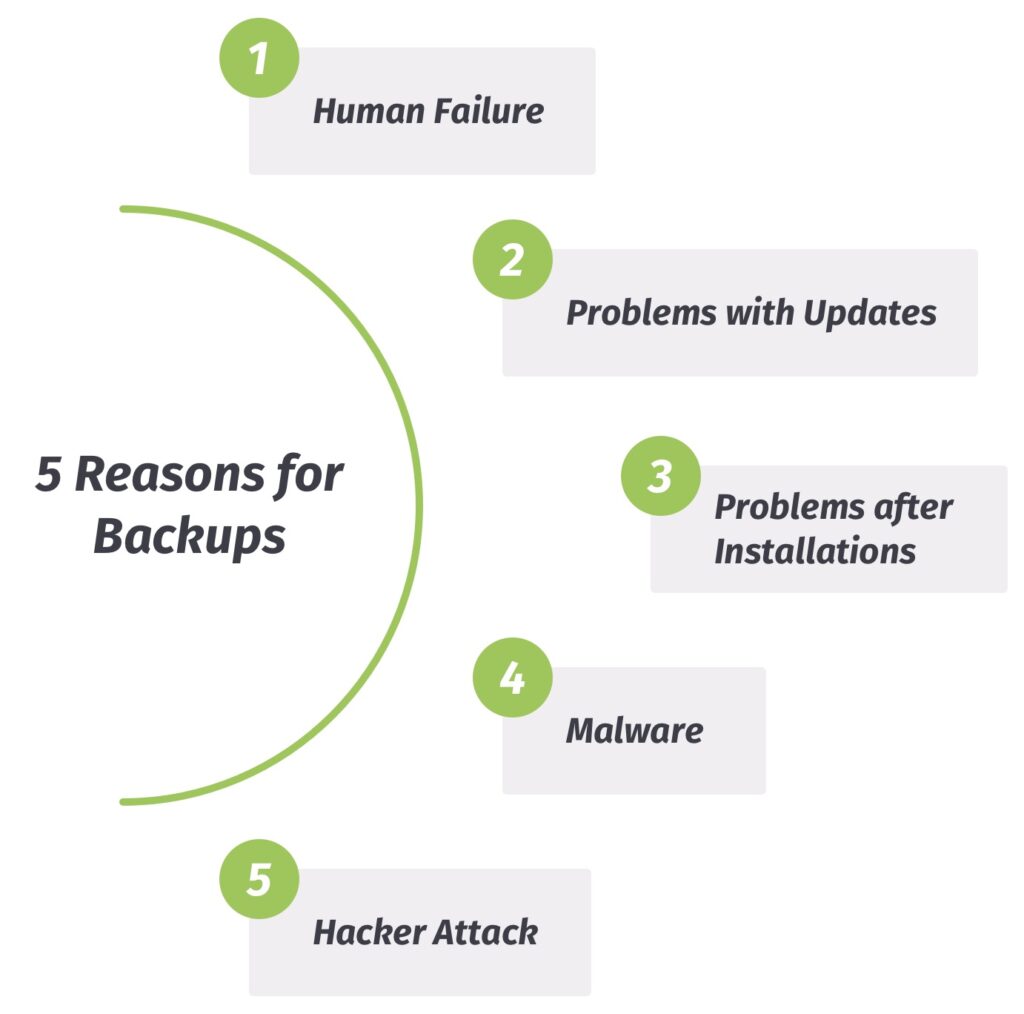
1. Errore umano – Quando gli esseri umani elaborano i dati…
Come accennato brevemente nella sezione precedente, anche gli esseri umani possono contribuire alla perdita dei dati. Nessuno di noi è immune dagli errori. Naturalmente, puoi sempre provare a recuperare i dati persi da solo.
In definitiva, anche in questo caso non si potrà fare a meno di un backup professionale dei dati per ripristinare il sito web WordPress . E, nel migliore dei casi, tale backup dovrebbe essere effettuato più volte al giorno o alla settimana, in modo che tutte le fasi di elaborazione siano documentate e i dati possano essere ripristinati più rapidamente.
2. Aggiornamenti – L'ignoto
Non ti suona familiare? Vuoi eseguire “solo velocemente” un “semplice” aggiornamento di WordPress perché hai appena ricevuto un messaggio cordiale in cui ti viene detto che è importante. E ovviamente è importante affinché il tuo sito web WordPress possa continuare a funzionare senza intoppi.
Ma poi qualcosa va storto durante l'aggiornamento e il sito web non appare più come prima. In quel caso, potrai tirarti una bella tirata di fiato se hai eseguito per tempo un backup del database – che sia automatico o manuale – e potrai semplicemente ripristinare i tuoi dati.
3. L'aggiornamento è una cosa, l'installazione un'altra…
Un caso classico: trovi un nuovo tema o plugin per il sito WordPress e non devi fare altro che installarlo. L’installazione avviene solitamente in modo automatico e senza particolari problemi. Tuttavia, può anche capitare che il nuovo tema o plugin non sia compatibile.
Pertanto, prima dell'attivazione, è bene assicurarsi che il tema o il plugin abbia ricevuto recensioni positive e che venga aggiornato regolarmente dagli sviluppatori. In sostanza, è consigliabile eseguire un backup del proprio sito web WordPress prima dell'installazione, in modo da poter ripristinare facilmente i dati in caso di problemi di compatibilità.
4. Malware e altri effetti collaterali
Molti potrebbero chiedersi che cosa c'entri il malware con un sito web WordPress ? Alcuni siti web sono vulnerabili al malware e possono persino esserne infettati, anche se ciò non è chiaramente riconoscibile.
Ma come è possibile?! Ad esempio, installando un plugin obsoleto sul sito WordPress che è stato infettato da software dannoso. Se il plugin compromesso è ora alla ricerca specifica di vulnerabilità, qualsiasi file potrebbe essere infettato e non essere più in grado di funzionare correttamente.
Nel caso dei siti web si presenta una circostanza particolare: anche se la vulnerabilità è stata individuata, potrebbe non essere stata risolta al 100%. Per andare sul sicuro, consigliamo di eseguire un backup del sito web WordPress e di tenere lontano il malware ripristinando i dati di backup.
5. Attacco hacker, ovvero: «C'era una volta un sito web»
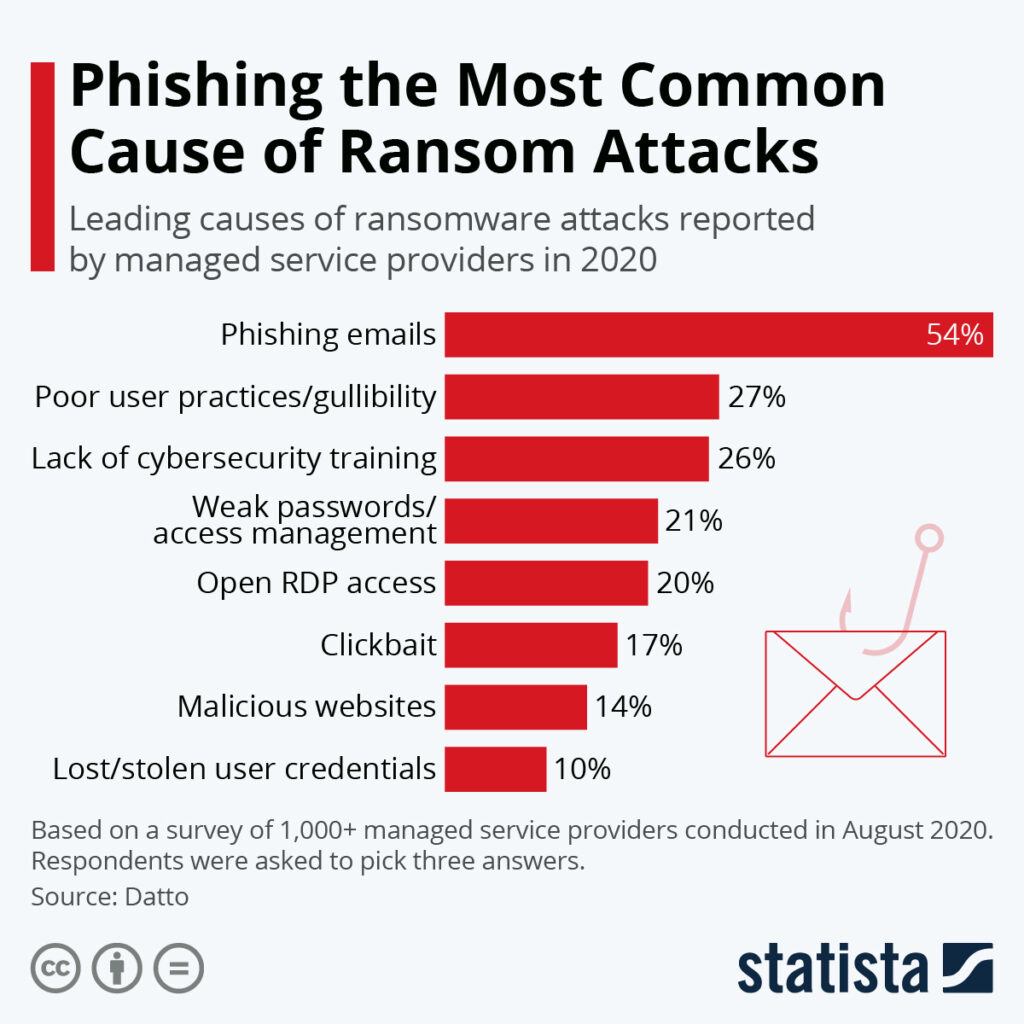
La cosa peggiore che possa capitarti con il tuo sito web WordPress è sicuramente un attacco hacker, ovvero un’intrusione nel sito. Nella maggior parte dei casi, infatti, ciò comporta la perdita totale e/o il furto dei dati. Spesso gli hacker bloccano o disattivano l’accesso al sito web.
Anche in questo caso, i tuoi dati andranno irrimediabilmente persi. È ovvio che il sito WordPress possa essere protetto al meglio adottando le giuste misure di sicurezza, come l'autenticazione a due fattori (2FA). Tuttavia, possono sempre verificarsi falle nella sicurezza che potrebbero essere sfruttate in modo doloso.
Se hai eseguito backup regolari del tuo sito web WordPress , il ripristino del backup ti consentirà di tornare al tuo sito web WordPress con tutti i dati, aggiornare le credenziali di accesso e impedire agli hacker di accedere al sistema.
Proteggere il proprio sito web WordPress senza perdita di dati – con i nostri plugin di backup BackWPup oppure BackWPup Pro!