Table des matières
Il y a toujours de bonnes raisons de sauvegarder un site web WordPress . Ne serait-ce que pour éviter toute perte de données ou pour pouvoir restaurer immédiatement toutes les données en cas de cyberattaque. Dans cet article, nous allons vous expliquer pourquoi il vaut mieux commencer à effectuer des sauvegardes dès maintenant !
La perte de données peut toucher n'importe qui
Même si l'on pense que tout ce qui a été élaboré est correctement sauvegardé sur le site WordPress , il peut tout de même arriver que des données importantes soient supprimées par inadvertance. Que ce soit parce que vous étiez débordé et que vous avez oublié d'enregistrer vos données finales, ou parce qu'un collègue travaillait sur le même site, a pensé qu'un document qui y était stocké était obsolète et l'a tout simplement supprimé. Les possibilités sont innombrables et peuvent survenir de manière inattendue.
C'est pourquoi il est d'autant plus important de sauvegarder toutes les données. Mais même sans intervention humaine, des pertes de données systémiques se produisent régulièrement. Assurez-vous donc de disposer d'une sauvegarde à partir de laquelle vous pourrez facilement restaurer vos données dans le système en cas d'urgence. Pour ce faire, il est possible, voire recommandé, d'effectuer plusieurs sauvegardes et de les stocker à différents emplacements, par exemple une copie sur le serveur et une autre dans le cloud. Ainsi, vous aurez vos données à portée de main en cas de perte.
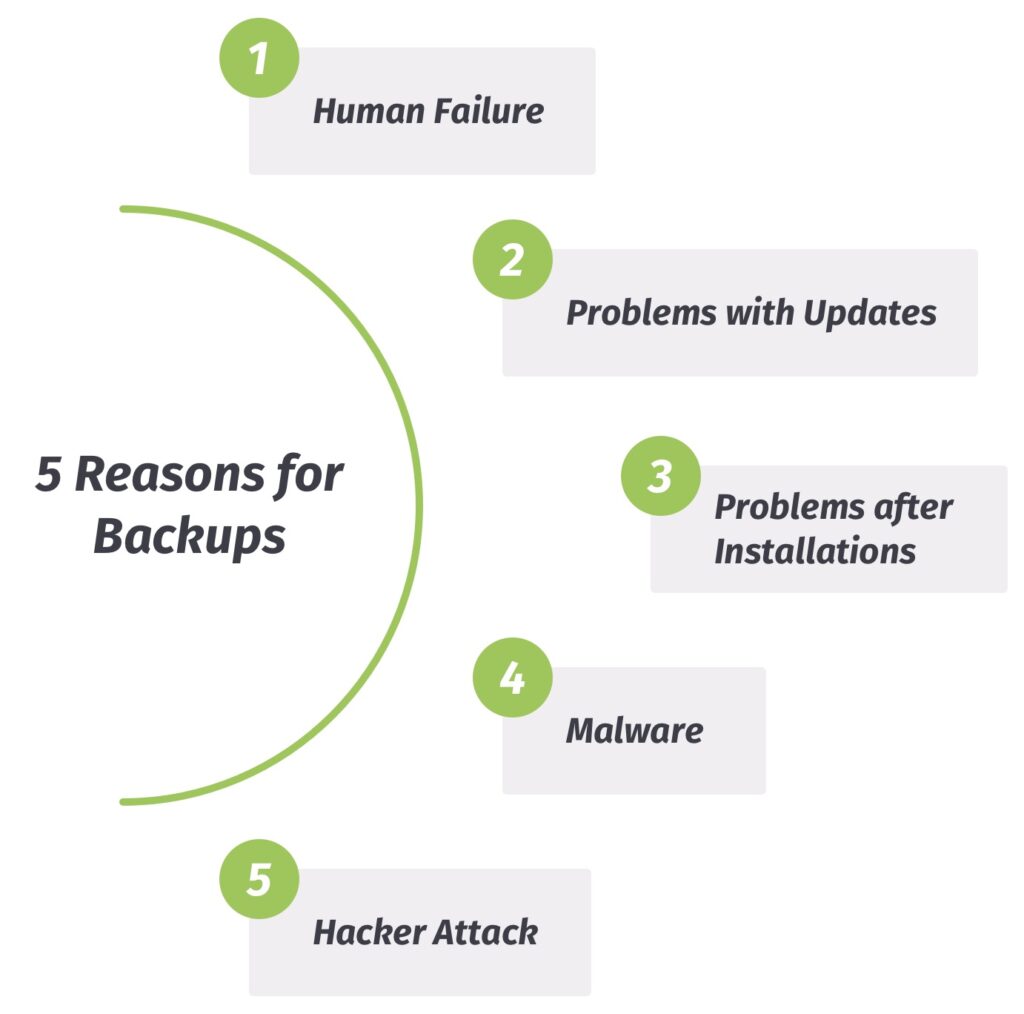
1. Erreur humaine – Lorsque les humains traitent des données…
Comme nous l'avons brièvement évoqué dans la section précédente, les humains peuvent eux aussi être à l'origine de pertes de données. Personne n'est à l'abri d'une erreur. Bien sûr, vous pouvez toujours essayer de récupérer vous-même les données perdues.
Au final, on ne pourra pas non plus se passer d'une sauvegarde professionnelle des données pour restaurer le site WordPress . Et dans l'idéal, il faudrait effectuer ces sauvegardes plusieurs fois par jour ou par semaine, afin que toutes les phases de traitement soient documentées et que les données puissent être restaurées plus rapidement.
2. Mises à jour – L'inconnu
Cela ne vous semble-t-il pas familier ? Vous souhaitez effectuer « juste rapidement » une « simple » mise à jour d'WordPress , car vous venez de recevoir un message amical vous indiquant que c'est important. Et bien sûr, c'est important pour que votre site web WordPress puisse continuer à fonctionner sans problème.
Mais il arrive parfois que la mise à jour tourne mal et que le site web ne s'affiche plus comme avant. Dans ce cas, vous pouvez vous estimer heureux si vous avez effectué une sauvegarde de la base de données en temps voulu – qu'elle soit automatique ou manuelle –, car il vous suffira alors de restaurer vos données.
3. La mise à jour est une chose, l'installation en est une autre…
Cas classique : vous trouvez un nouveau thème ou un nouveau plugin pour le site WordPress et il ne vous reste plus qu'à l'installer. L'installation se fait généralement automatiquement et sans problème majeur. Mais il peut aussi arriver que le nouveau thème ou plugin ne soit pas compatible.
Avant toute activation, il convient donc de s’assurer que le thème ou le plugin bénéficie de bonnes évaluations et qu’il est régulièrement mis à jour par ses développeurs. En résumé, pensez à sauvegarder votre site WordPress avant l’installation afin de pouvoir restaurer facilement vos données en cas de problèmes de compatibilité.
4. Logiciels malveillants et autres effets indésirables
Beaucoup se demandent peut-être quel est le rapport entre les logiciels malveillants et un site web WordPress ? Certains sites web sont vulnérables aux logiciels malveillants et peuvent même en être infectés, même si cela n'est pas toujours évident.
Comment cela peut-il arriver ?! Par exemple, en installant un plugin obsolète sur le site WordPress , qui est infecté par un logiciel malveillant. Si ce plugin corrompu recherche désormais spécifiquement des failles de sécurité, n'importe quel fichier pourrait alors être infecté et ne plus fonctionner correctement.
Les sites web présentent une particularité : même si une faille de sécurité a été détectée, il se peut qu'elle ne soit pas corrigée à 100 %. Par mesure de précaution, nous vous recommandons de sauvegarder le site web WordPress et de vous prémunir contre les logiciels malveillants en restaurant les données sauvegardées.
5. Attaque de pirates informatiques, ou : « Il était une fois un site web »
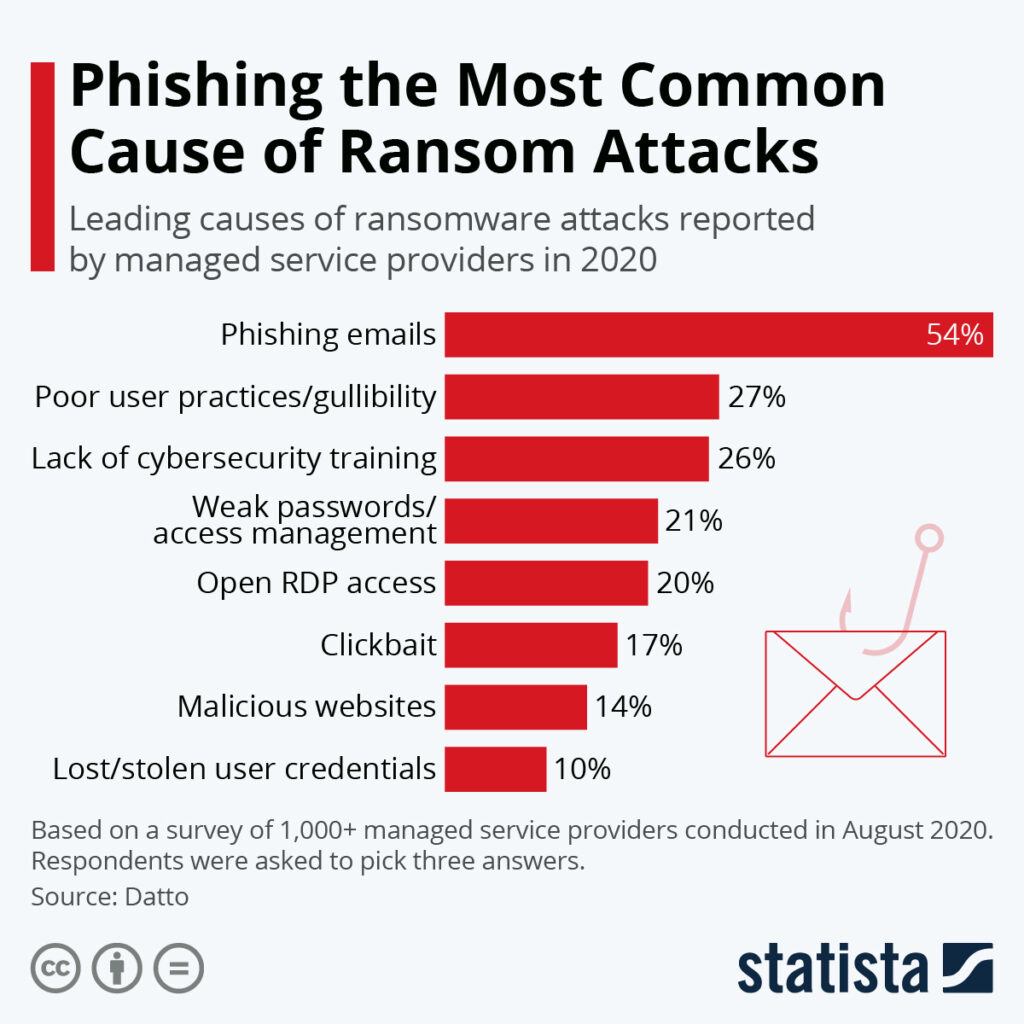
Le pire qui puisse vous arriver avec votre site web WordPress , c'est sans aucun doute une attaque de pirates informatiques, c'est-à-dire une intrusion sur le site. En effet, dans la plupart des cas, cela entraîne la perte totale et/ou le vol des données. L'accès à votre site web est souvent bloqué ou désactivé par les pirates.
Dans ce cas également, vos données sont irrémédiablement perdues. Il va sans dire que l'on peut protéger au mieux le site WordPress en mettant en place les mesures de sécurité adéquates, telles que l'authentification à deux facteurs (2FA). Néanmoins, des failles de sécurité peuvent toujours survenir et faire l'objet d'une exploitation malveillante.
Si vous avez effectué des sauvegardes régulières de votre site WordPress , la restauration de la sauvegarde vous permettra de récupérer votre site WordPress avec toutes ses données, de modifier les identifiants d'accès et d'empêcher les pirates d'accéder au système.
Sécuriser son site WordPress sans perte de données – grâce à nos plugins de sauvegarde BackWPup ou BackWPup Pro!